Screenshots

See guideXOS in action - Click any image to enlarge

guideXOS C# Screenshots

The original C#/AOT guideXOS branch.

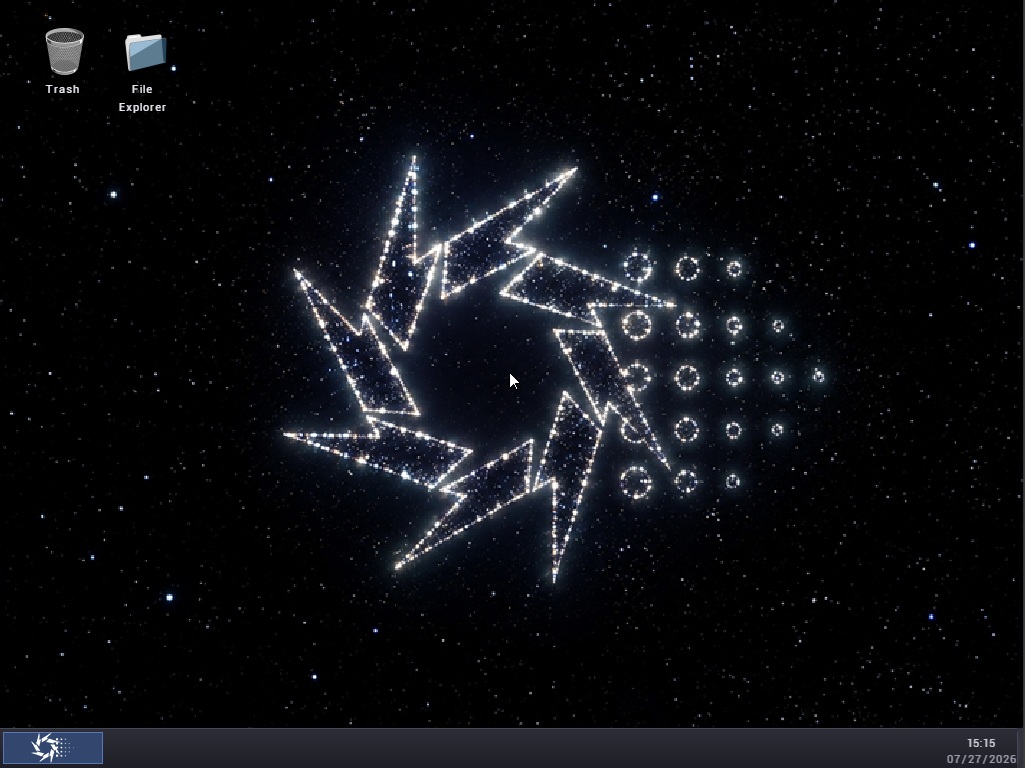
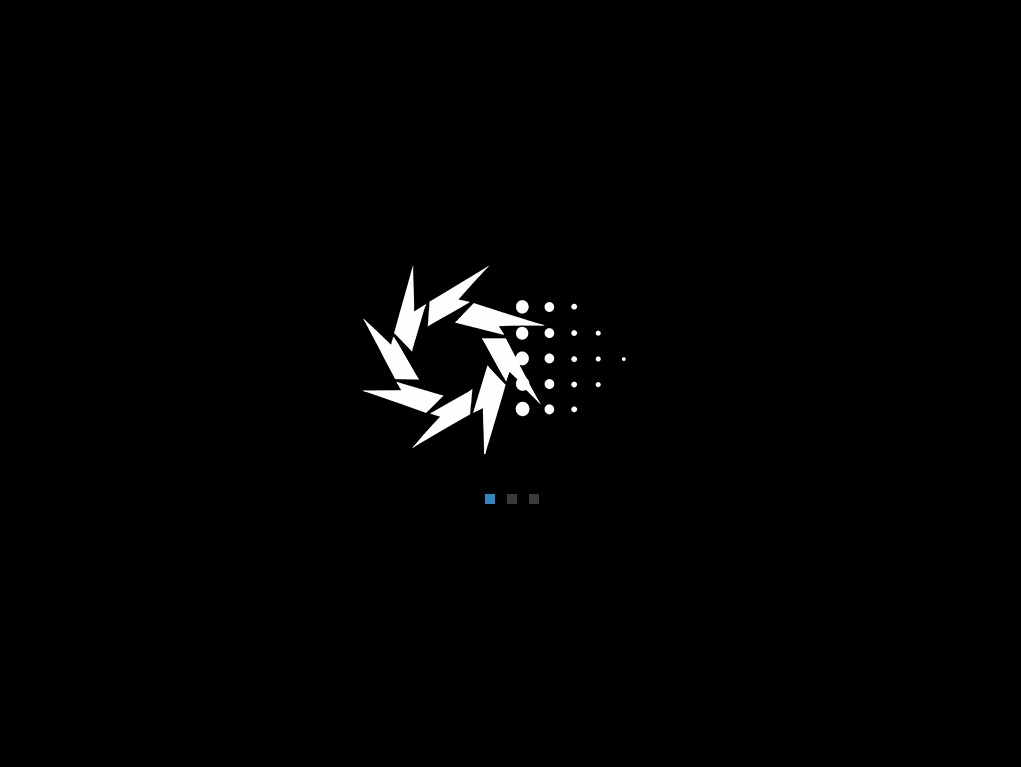
Splash Screen
🔍 Click to enlarge

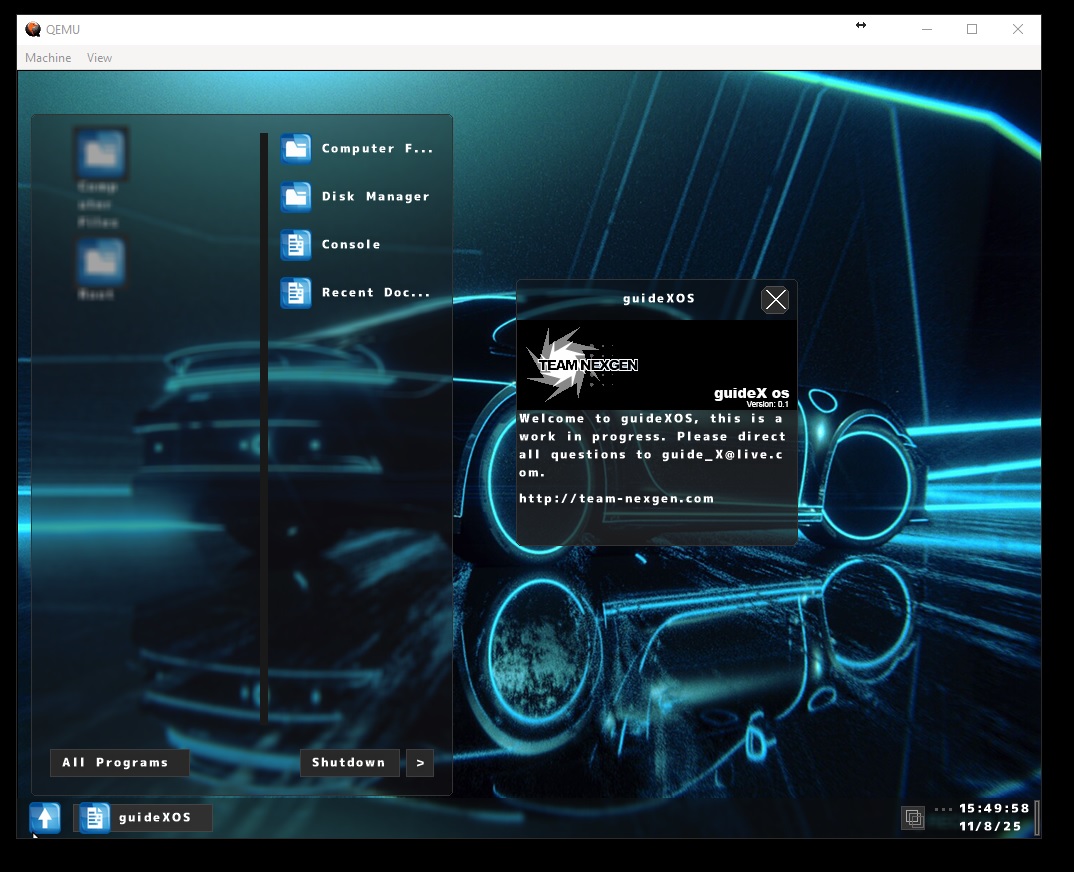
Splash Screen
Boot sequence with Team Nexgen branding
Desktop
🔍 Click to enlarge

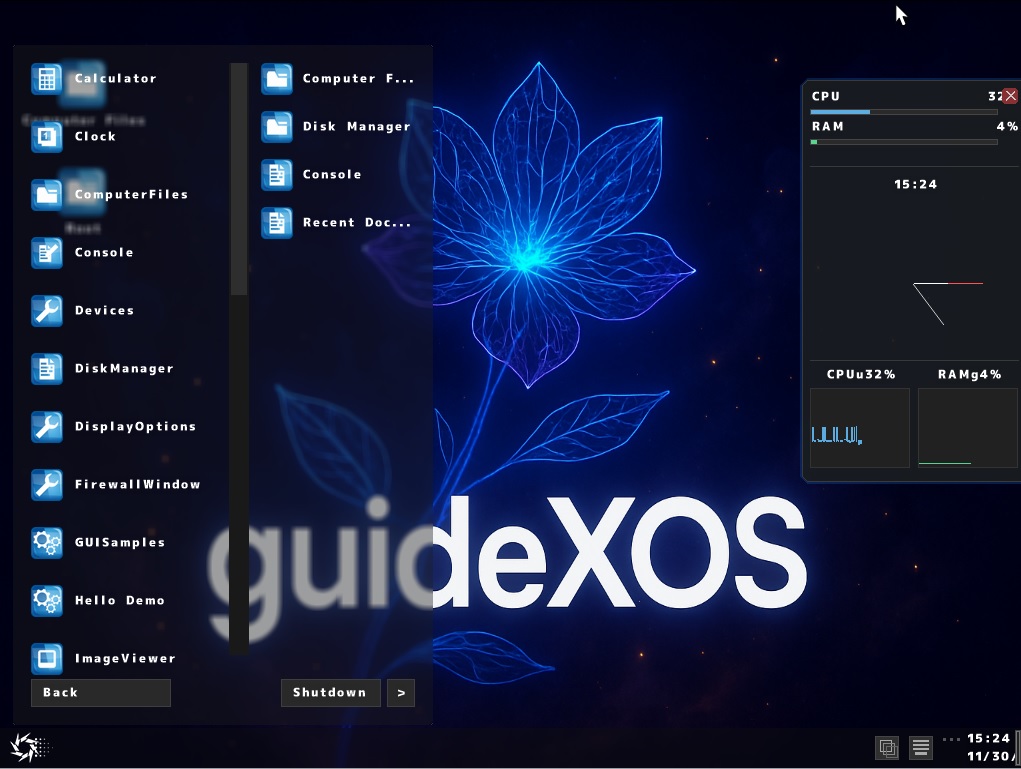
Desktop Environment
Full GUI with window manager, taskbar, start menu, and virtual workspaces
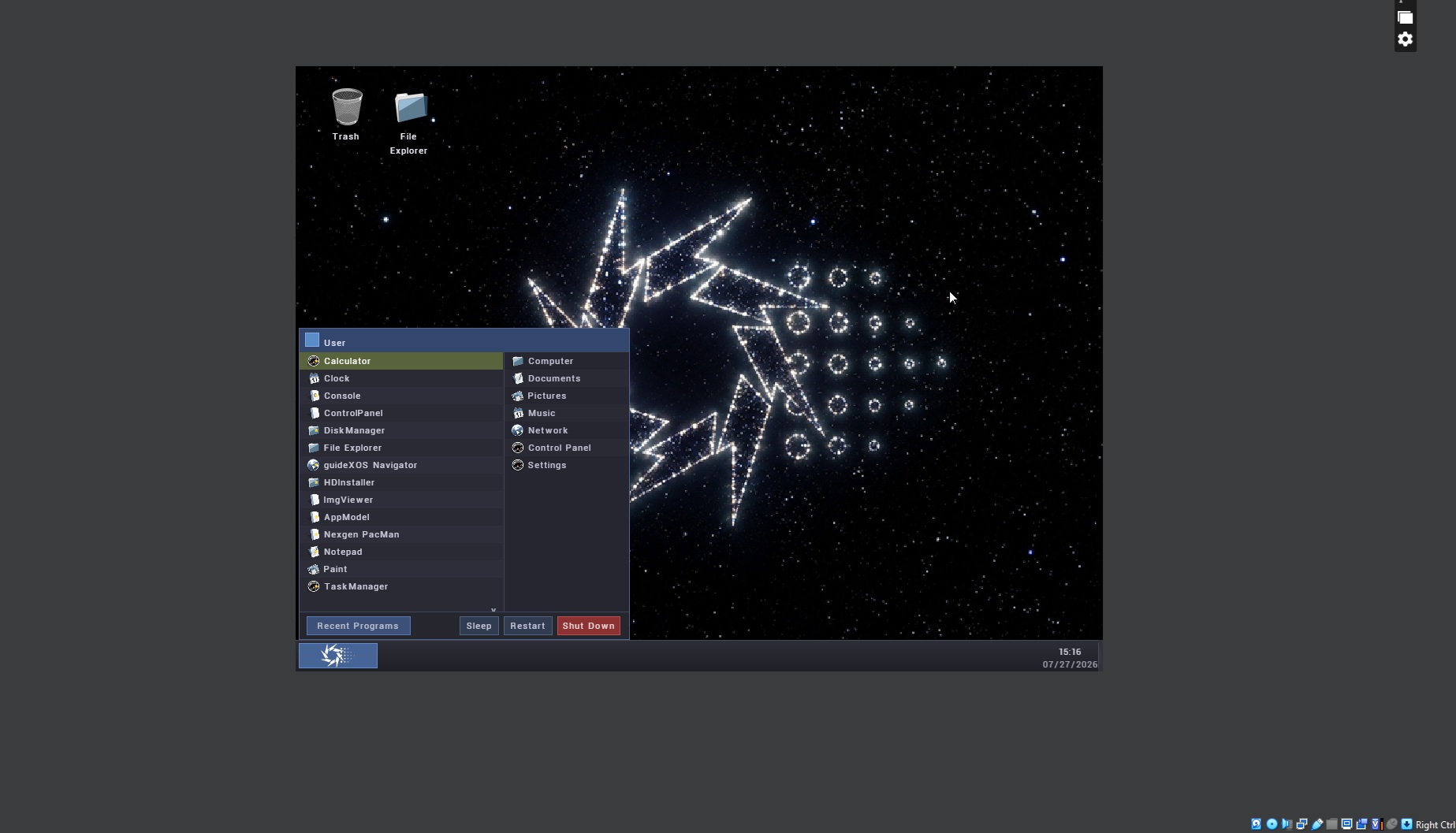
Start Menu
🔍 Click to enlarge

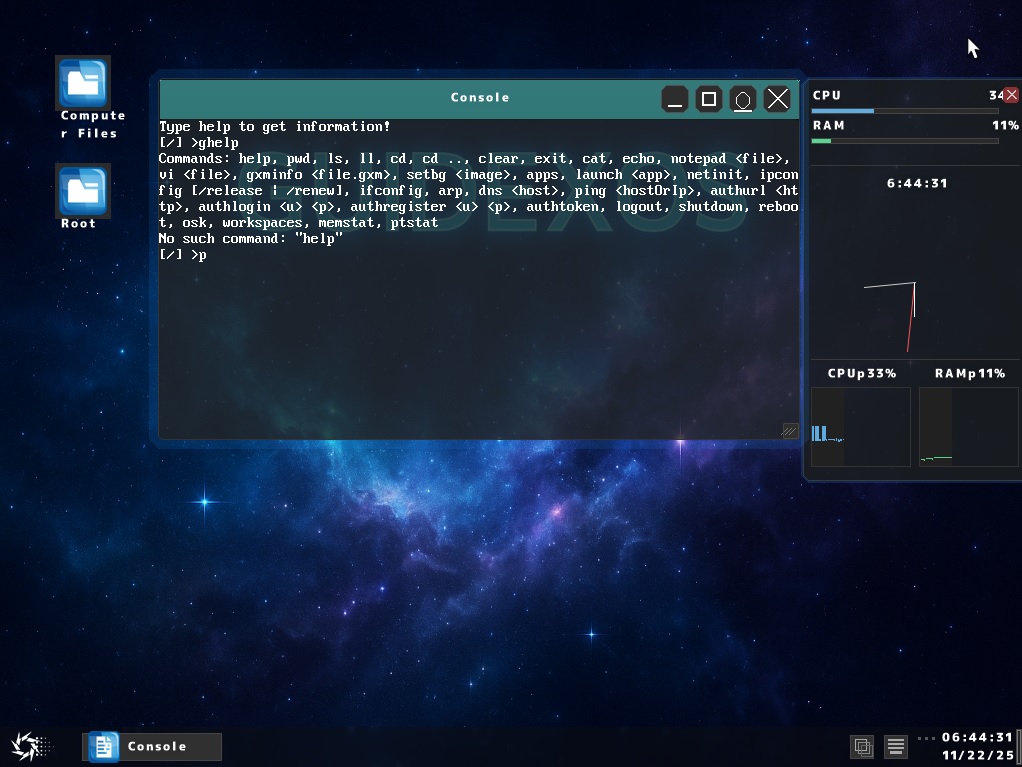
Start Menu
Access all applications and system functions
Console
🔍 Click to enlarge

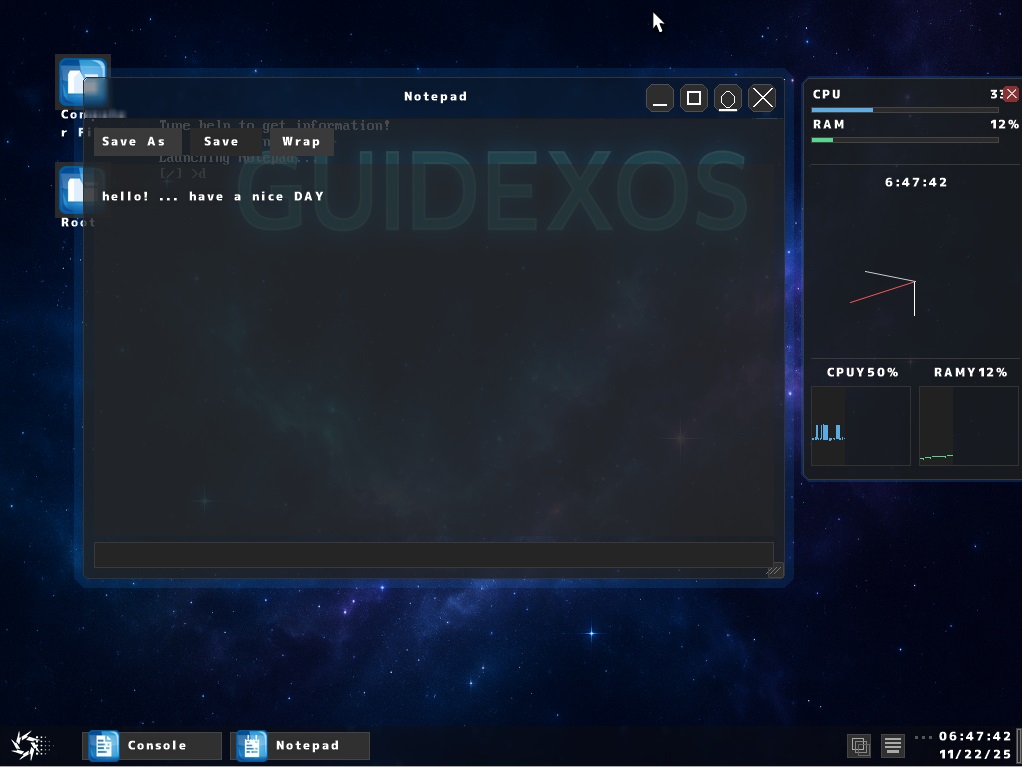
Console
Full-featured terminal with command support, file operations, and network utilities
Notepad
🔍 Click to enlarge

Notepad
Built-in text editor for creating and editing documents
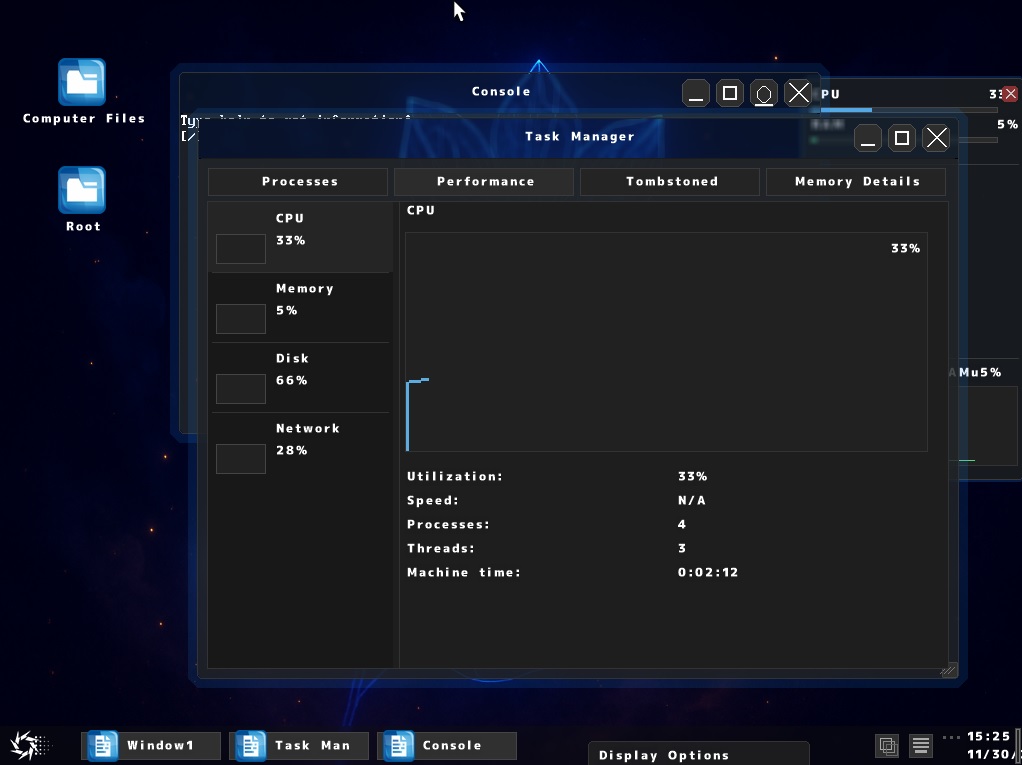
Task Manager
🔍 Click to enlarge

Task Manager
Monitor running processes, CPU usage, and system performance
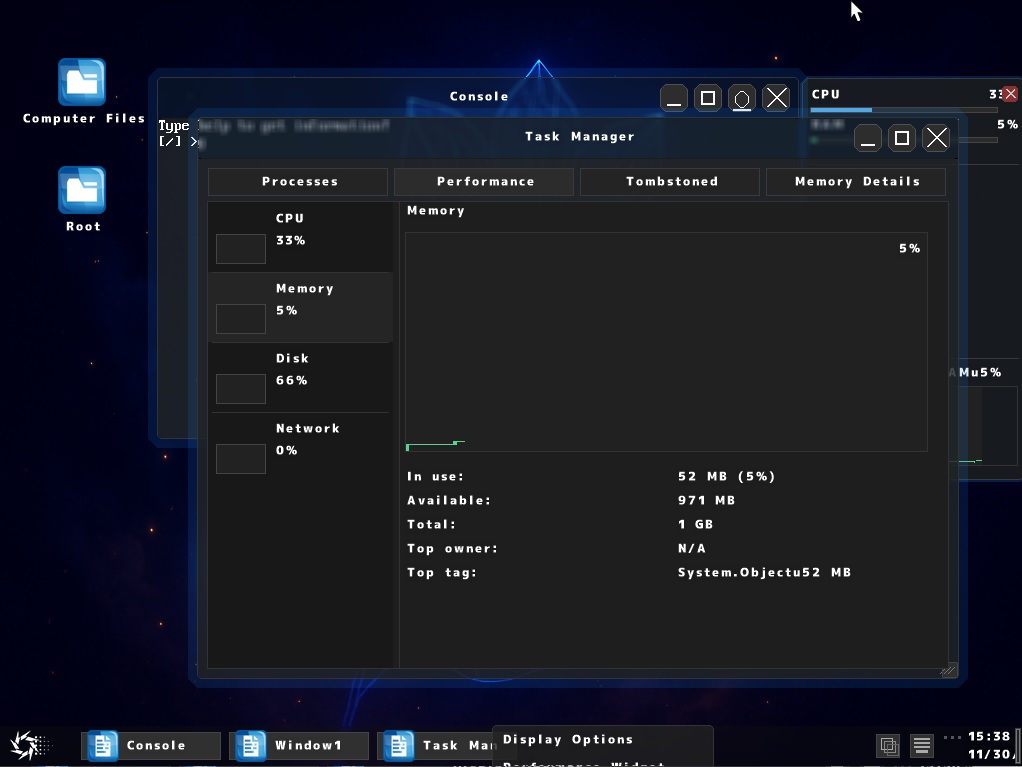
Task Manager Performance
🔍 Click to enlarge

Task Manager - Memory Details
View detailed memory usage by owner and allocation tags
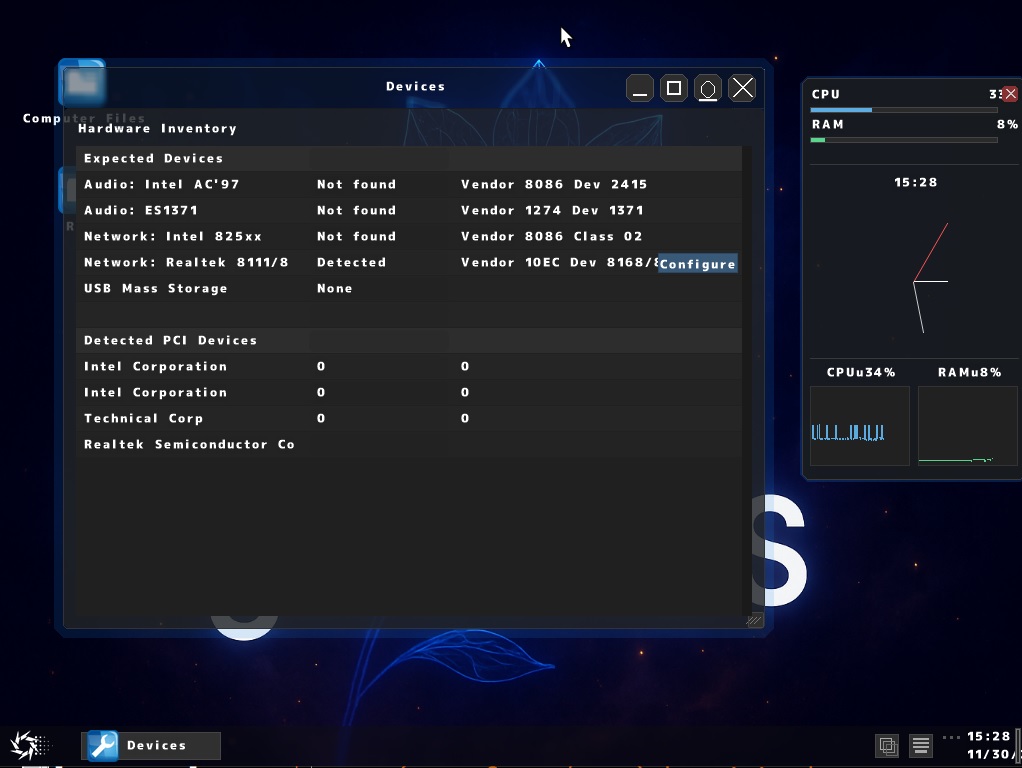
Devices
🔍 Click to enlarge

Devices
View all detected PCI devices and hardware information
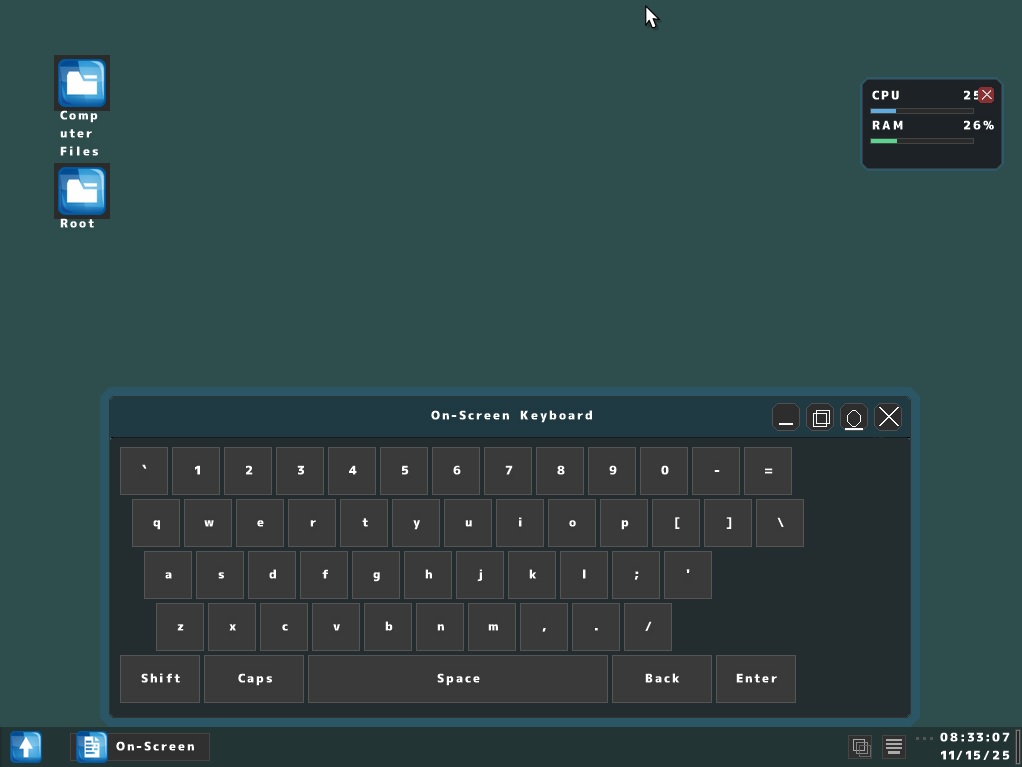
On-Screen Keyboard
🔍 Click to enlarge

On-Screen Keyboard
Virtual keyboard for touch input or accessibility
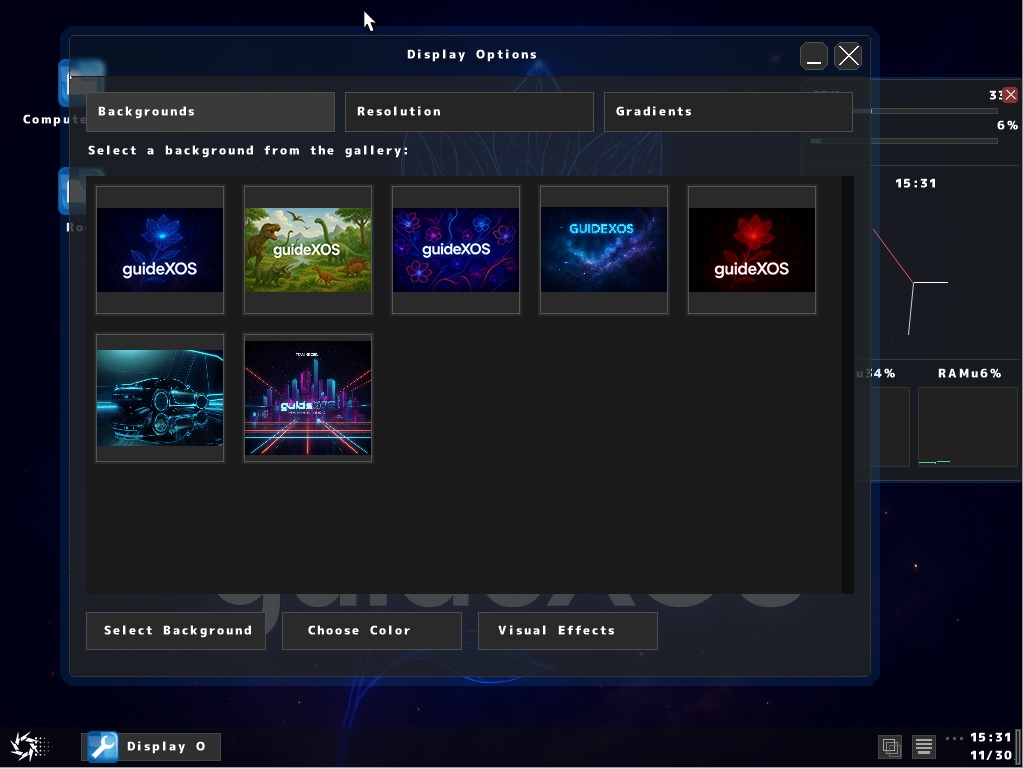
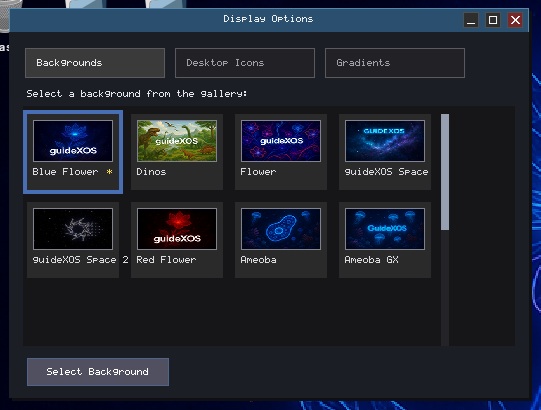
Display Options
🔍 Click to enlarge

Display Options
Configure resolution, backgrounds, gradients, and fonts
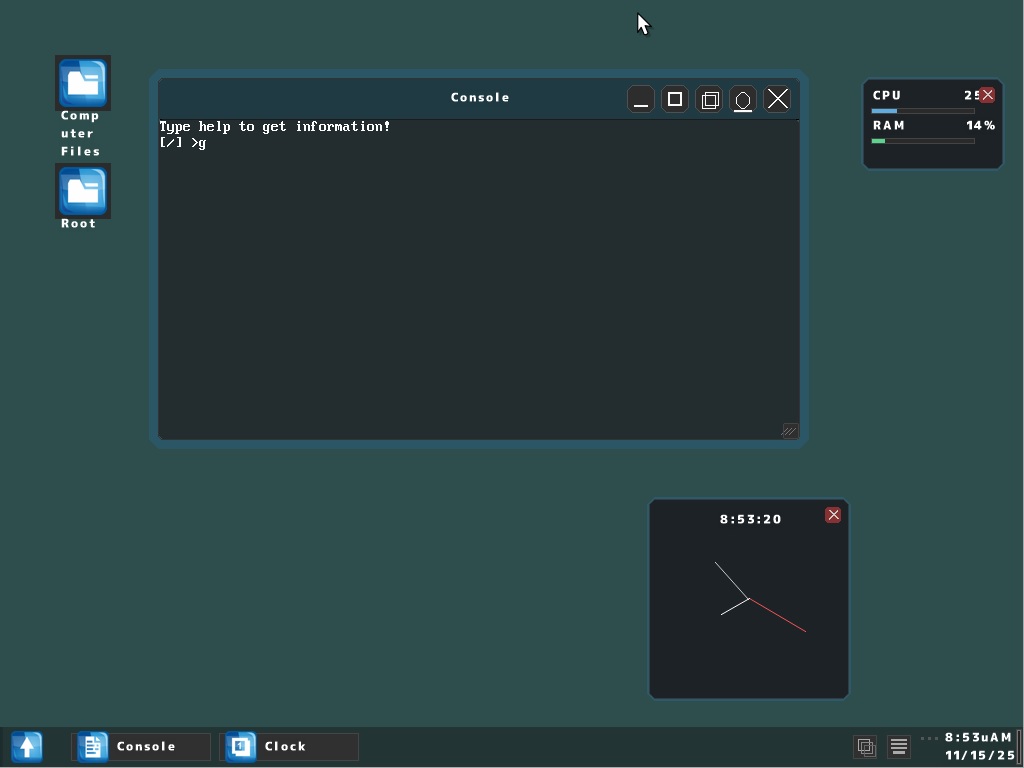
Clock
🔍 Click to enlarge

Clock
System clock displaying current time

guideXOS Server Screenshots

Hosted compositor and current guideXOS Server UI work from the multi-architecture branch.

guideXOS Server Desktop
🔍 Click to enlarge

guideXOS Server Desktop
Hosted guideXOS Server desktop with the compositor, taskbar, wallpaper, and current shell layout

Compositor Windowing
🔍 Click to enlarge

Compositor Windowing
Compositor rendering and window-management work in the hosted guideXOS Server environment

Compositor Demos
🔍 Click to enlarge

Compositor Demos
A look at multiple guideXOS Server compositor surfaces and window interactions under active development

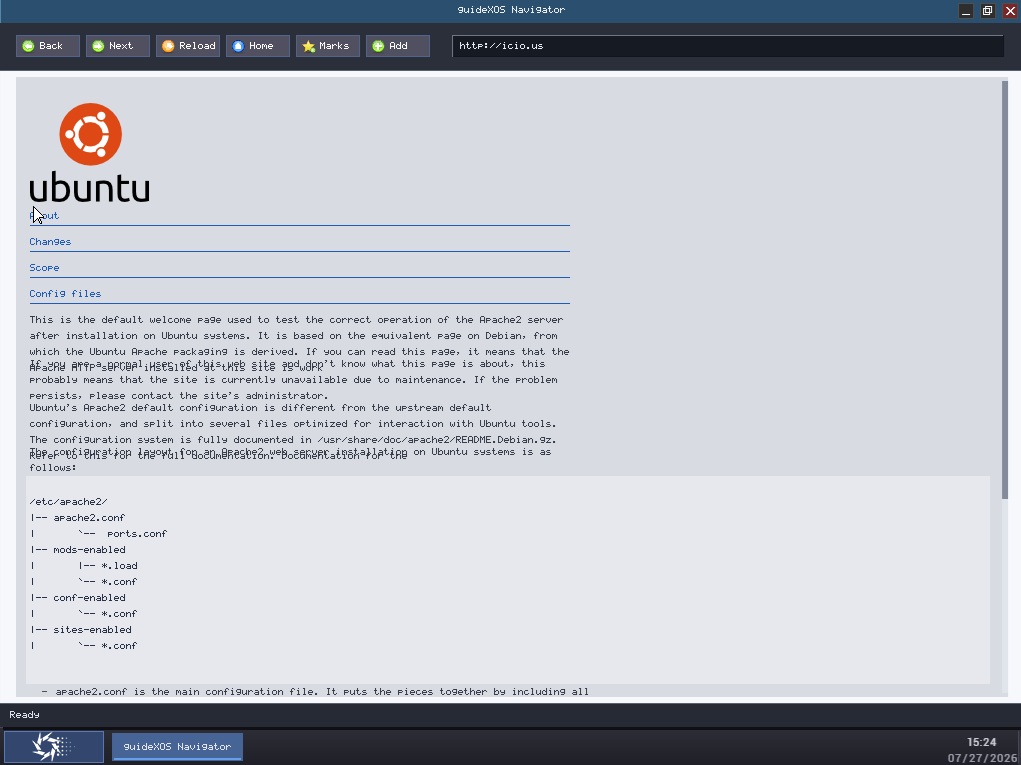
guideXOS Navigator
🔍 Click to enlarge

guideXOS Navigator
The native guideXOS Navigator browser running in the Server hosted compositor with current HTML and HTTP work

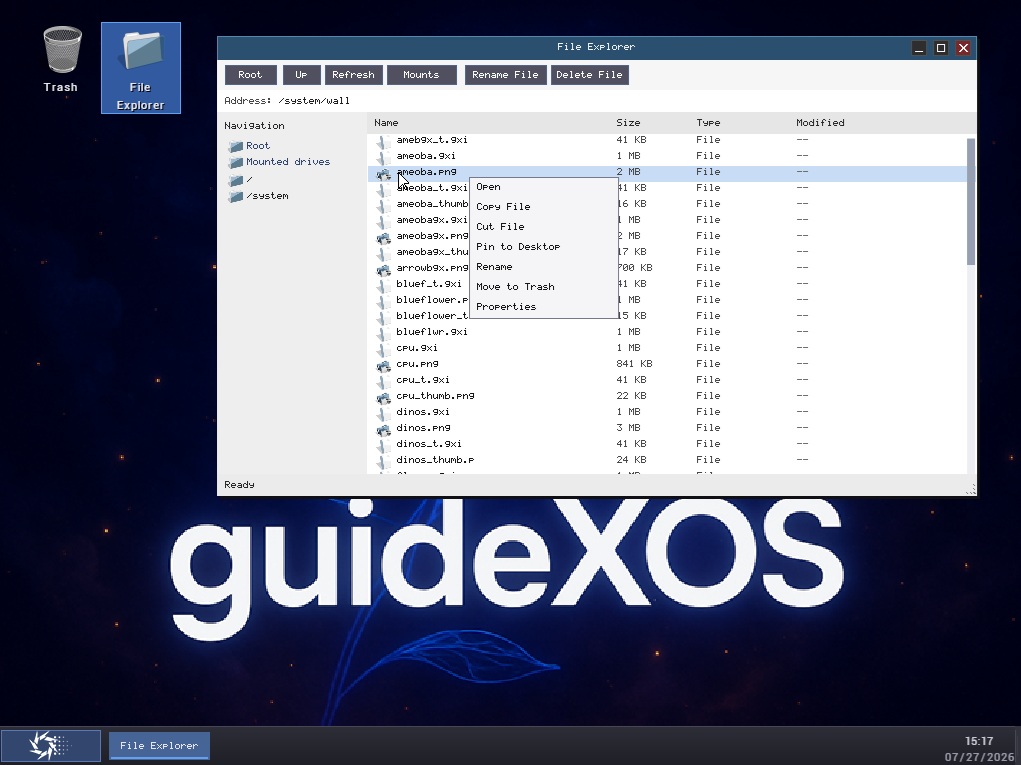
File Explorer
🔍 Click to enlarge

File Explorer
guideXOS Server file-management UI work in the hosted desktop path

File Explorer Detail View
🔍 Click to enlarge

File Explorer Detail View
Another view of the guideXOS Server file explorer and shell integration work

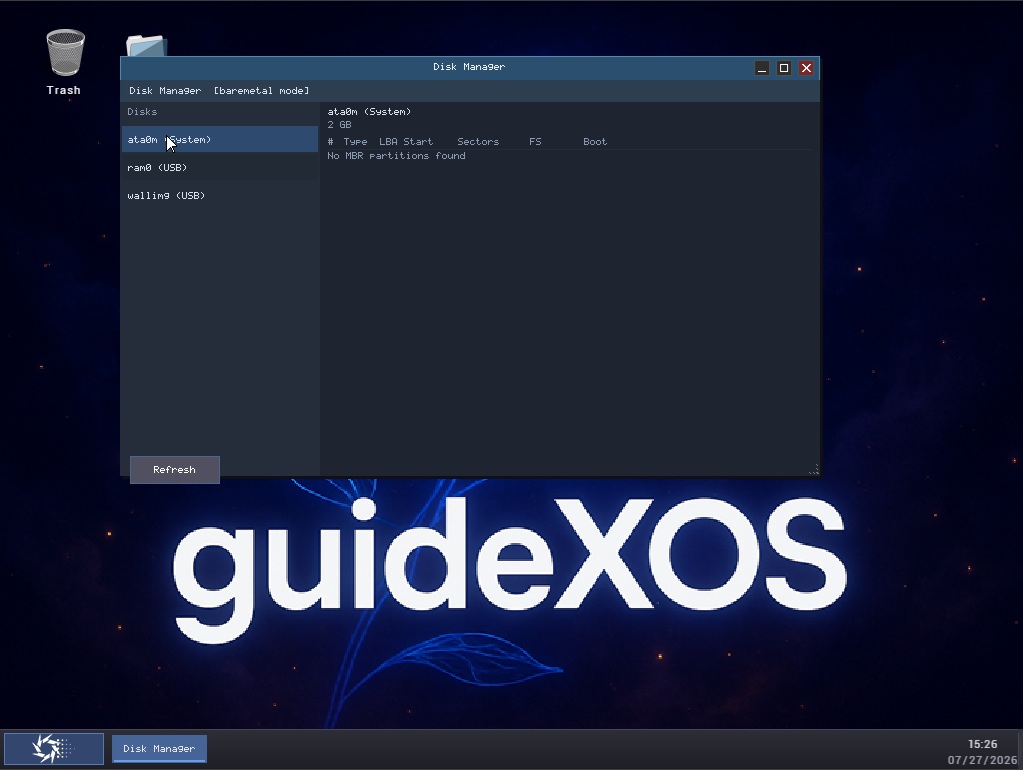
Disk Manager
🔍 Click to enlarge

Disk Manager
Disk-management tooling in guideXOS Server, including host-mode and bare-metal storage workflows

Display Options
🔍 Click to enlarge

Display Options
Display and wallpaper configuration work in the guideXOS Server desktop environment

Display Options Themes
🔍 Click to enlarge

Display Options Themes
Additional display configuration, theme, and appearance tuning in guideXOS Server

App Model Demo
🔍 Click to enlarge

App Model Demo
Hosted app-model diagnostics and launch-resolution inspection in guideXOS Server

Font Work
🔍 Click to enlarge

Font Work
Ongoing font rendering and typography work visible in the guideXOS Server UI stack

Roboto Integration
🔍 Click to enlarge

Roboto Integration
Roboto font integration and text presentation work for the guideXOS Server desktop and browser surfaces

Page Rendering
🔍 Click to enlarge

Page Rendering
A browsed page rendered inside guideXOS Navigator during the current hosted-runtime milestone

Networking Test
🔍 Click to enlarge

Networking Test
Network bring-up and connectivity testing from the current guideXOS Server environment

Networking Detail
🔍 Click to enlarge

Networking Detail
Additional networking validation from the guideXOS Server stack and test workflow

Icon Theme Work
🔍 Click to enlarge

Icon Theme Work
Current icon-theme and desktop visual work for the guideXOS Server shell

Trash Empty State
🔍 Click to enlarge

Trash Empty State
Trash integration in the guideXOS Server hosted desktop when no deleted items are present

Trash Full State
🔍 Click to enlarge

Trash Full State
Trash integration in the guideXOS Server hosted desktop with deleted items present

Try It Yourself

Experience these features firsthand

Download guideXOS and run it in your favorite virtual machine. All these applications and features are included out of the box, ready for you to explore and enjoy.

Download guideXOS Read Wiki